Translate Full Word Documents with One Click
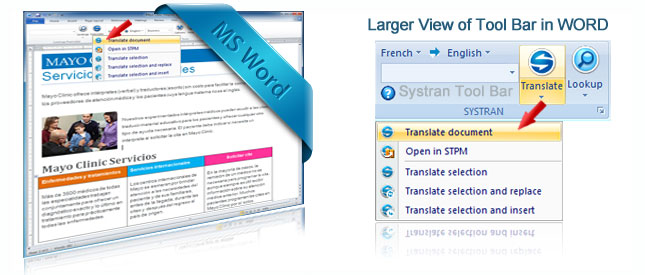
Translating complete Word documents is so easy and fast with Systran, especially since you don't need any technical skills to use it. If you have ever spent hours re-formatting a document after having it translated, you will definitely appreciate the fact that Systran features full integration into Microsoft Word.
No need to learn new software or worry about cutting and pasting text. All you need to do is open a document, click Translate and in seconds the software will return an accurately translated document. You can reproduce full documents, no matter how lengthy, or choose to translate phrases, sentences or just a few words. No matter what the task, Systran makes you feel like you have your own personal translator inside your computer!
Easy to Use!

Watch the Video to see How it Works
So easy, you can be translating documents in seconds. Watch our video to see it in action.
Retain Document Formatting
- Translate Full Documents
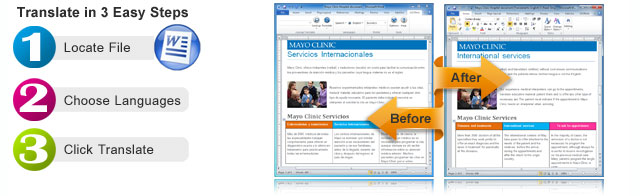
- Designed to Retain Original Formatting
- New Document is created in the Target Language
- Easily keep your Tables, Images and more
Quick File Translator Feature
Systran also allows you to translate a Word document without having to open it. Use the Quick File Translator to locate the file on your computer, right click and a menu will appear giving you the option to translate the file into the language you require.
After translation, the software will give you the option to View or Save it. Great for quick translations!
Plus Additional Quick Translation Tools
- Instant Translation Shortcut Key
Control "T" for instant translation of any selected text. Perfect for translating single words or phrases. - Translate Section and Replace
If you are working on a document and only need a small sentence or paragraph translated you can select the text and choose to replace it with the translated version. Great for just a few sentences or words as you won't need to wait for a full document to be translated. - Translate Section and Insert
Ideal for when you want to retain the text of the original language to compare after translation. Edit and proof as needed or send to someone else to review.
With the increase in demand for multilingual content, Systran is an affordable and effective solution to have your documents translated in foreign languages. Systran is the pioneer and the recognized leader in the industry with millions worldwide using it daily and saving millions in translation costs.
Products that Translate Word Documents:
Essentials
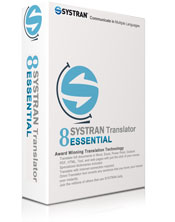
Perfect for small personal translations.

Professional
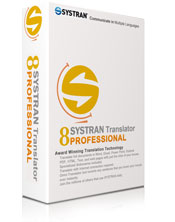
Higher accuracy with additional dictionaries.

Enterprise Editions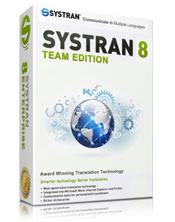
Professional level accuracy with improved technology.